mirror of
https://github.com/jonasbark/swiftcontrol.git
synced 2026-02-18 00:17:40 +01:00

1.4 KiB
1.4 KiB
Instructions for using the MyWhoosh "Link" connection method
- launch MyWhoosh on the device of your choice
- launch MyWhoosh Link, check if the "Link" connection works
- close MyWhoosh Link
- open BikeControl, follow on screen instructions
Once you've confirmed the connection in BikeControl you won't have to repeat step 2 and 3 again in the future. This is just to make sure the connection works in general.
And here's a video with a few explanations:
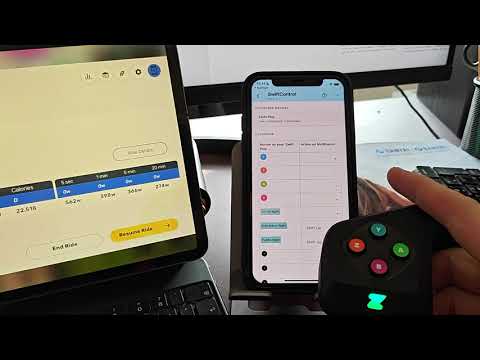 https://www.youtube.com/watch?v=p8sgQhuufeI
MyWhoosh "Link" method never connects
The same network restrictions apply for BikeControl as it applies to MyWhoosh Link app. Please verify with the MyWhoosh Link app if connection is possible at all. Here are some instructions that can help:
https://mywhoosh.com/troubleshoot/ https://www.facebook.com/groups/mywhoosh/posts/1323791068858873/
In essence:
- your two devices (phone, tablet) need to be on the same WiFi network
- on iOS you have to turn off "Private Wi-Fi Address" in the WiFi settings
- Limit IP Address Tracking may need to be disabled
- mesh networks may not work